Set the boundaries.
Configure practice membership, roles and individual feature permissions.
Training that is due. Policies ready for review. The financial picture behind your practice. Bring the detail together, then see where to act.
Configure practice membership, roles and individual feature permissions.
Review the team, policies, finances and follow-up your access permits.
Find your training requirements, credential dates and the tools relevant to your role.
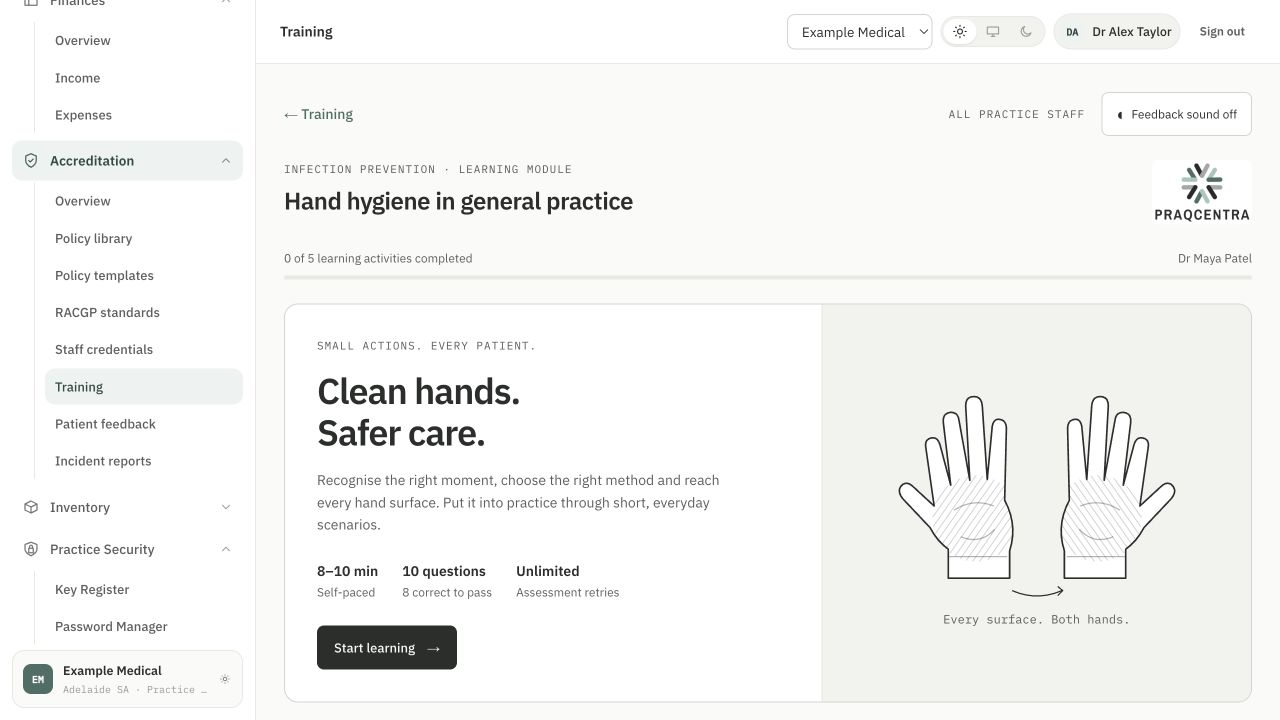
Bring required learning and staff credentials into one view. Identify missing records, overdue requirements and upcoming renewals, then follow the item through to the relevant staff member.
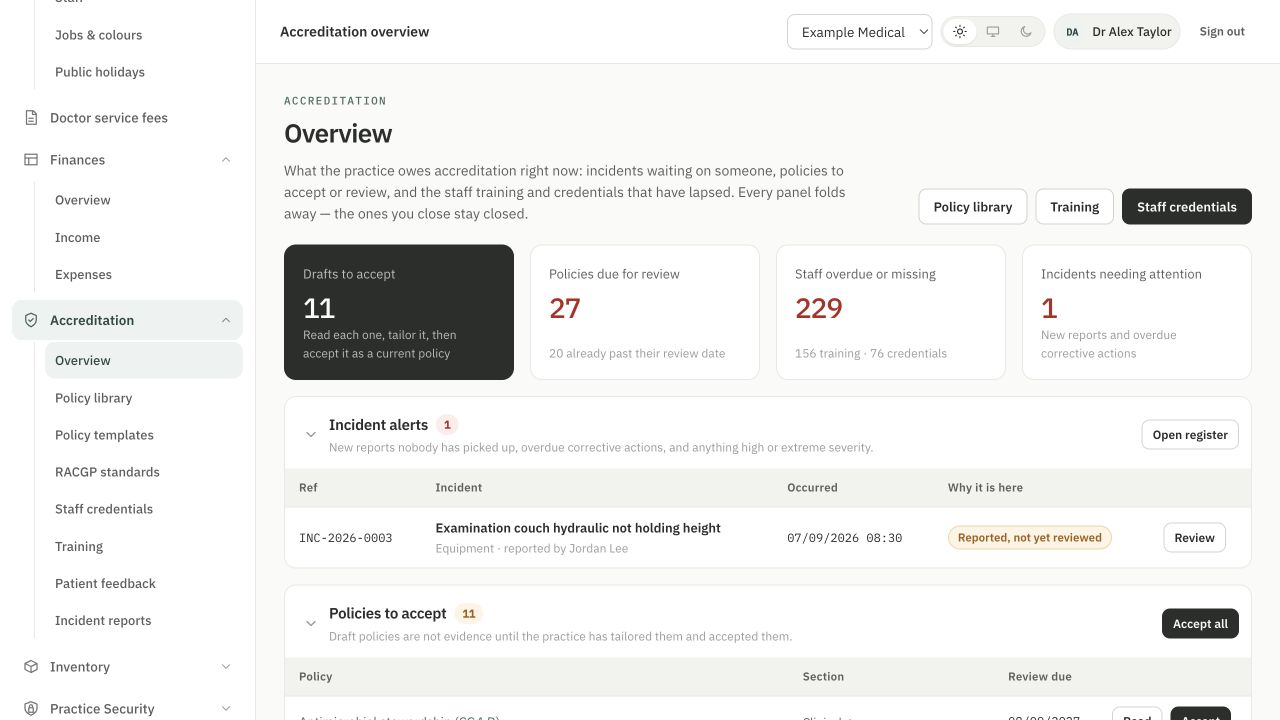
See which policies are current, still in draft or under review. Bring overdue reviews and upcoming review dates into focus, with the policy owner and supporting record close at hand.
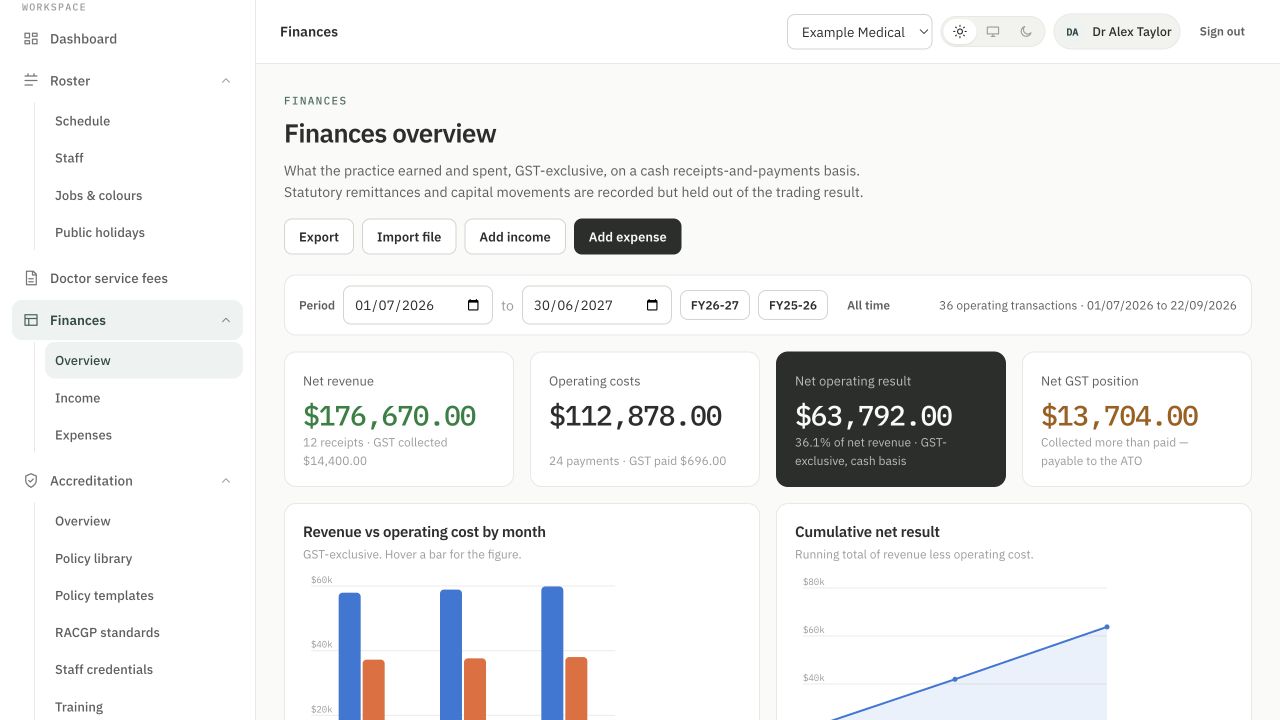
Review income, expenses and monthly trends together. Move from the overview to the ledger detail, and keep doctor service-fee preparation visible alongside the practice’s finances.
System administrators control access by practice, role and individual user. Set permissions for each feature, while summaries follow the same access rules as the records behind them.
Keep a feature and its information unavailable to this user.
Allow permitted records to be viewed without management access.
Allow the feature’s management actions for authorised users.
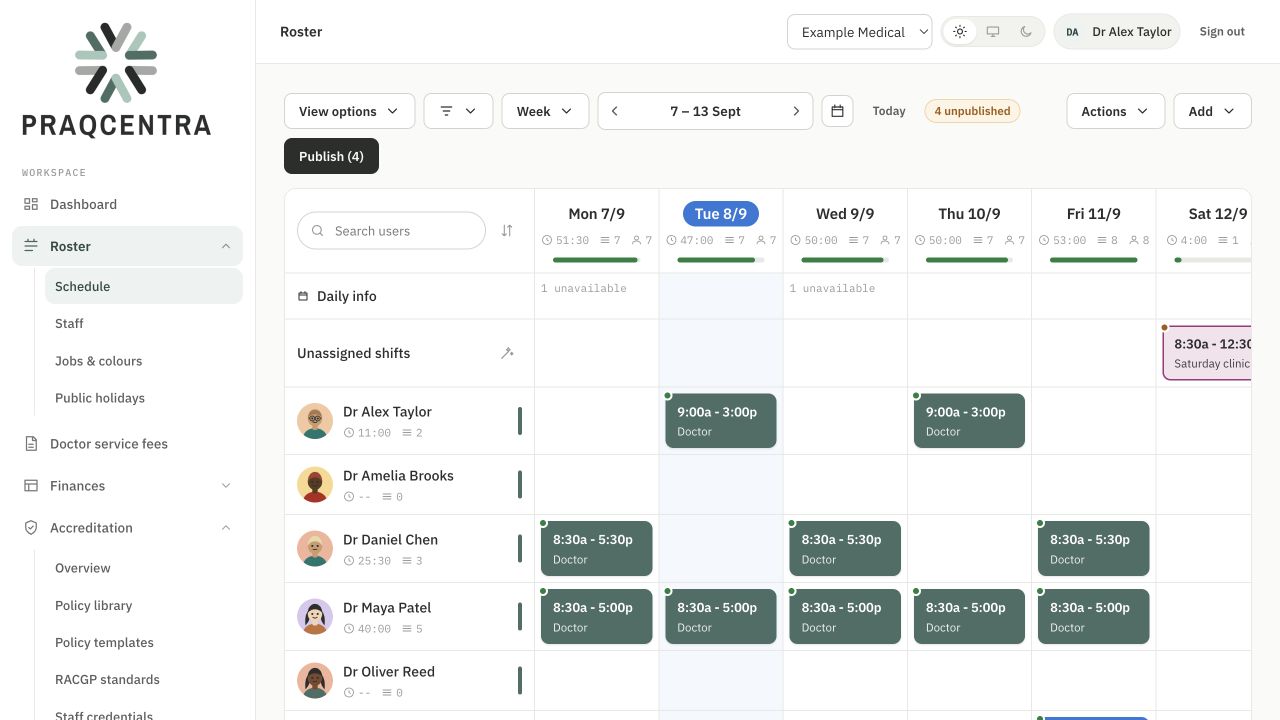
See today’s staffing, weekly open shifts and the roster’s publication status. Bring availability and public holidays into the planning process before the next week begins.
Review open incidents, high-severity reports and overdue actions. Use the incident summary to identify what needs attention, then return to the report for context and follow-up.
Each user’s view follows their permissions, with the detail they need to keep their practice work moving.
Explore your optionsCold-chain monitoring is coming soon to PraqCentra. Inventory stock, lot and expiry tracking is available now.
See how PraqCentra fits the way
your team works.